 MobiVerse
Short answerConvert the original comic archive, image-heavy Kindle file, or PDF with MobiVerse. It rebuilds comic pages instead of relying on a generic reflowable EPUB layout.
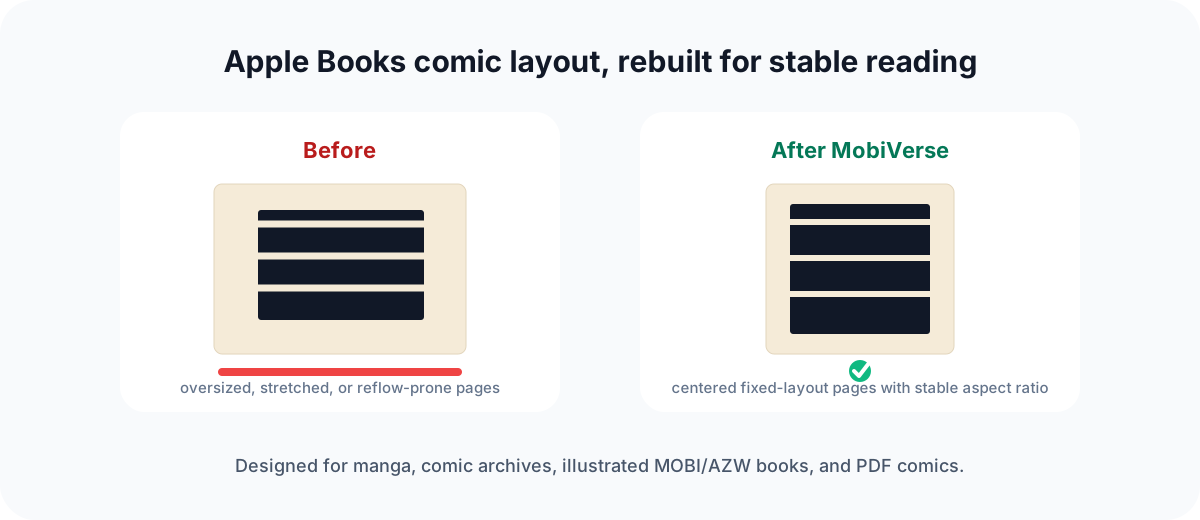
Problems this workflow targets
- Pages stretched beyond their original aspect ratio.
- Black or blank pages caused by fragile markup.
- Unexpected margins around full-page artwork.
- Page dimensions changing during horizontal turns.
- Missing cover and reading-direction metadata.
What MobiVerse changes
For image-page books, MobiVerse writes fixed-layout EPUB metadata and self-contained SVG-backed pages. Images are centered and fitted without changing their aspect ratio.
Recommended workflow
- Start from the original CBZ, CBR, ZIP, PDF, MOBI, or AZW3 source when available.
- Confirm that MobiVerse identifies the source as a comic or illustrated book.
- Choose the appropriate reading direction.
- Convert, preview several pages, and then open the EPUB in Apple Books.
Reader behavior can vary by OS version. Keep the original source and test representative pages before deleting an older EPUB.
中文摘要
MobiVerse 通过固定布局元数据、自包含图像页和稳定宽高比,减少 Apple Books 中常见的黑页、拉伸、边距和翻页尺寸跳动。