 MobiVerse
Short answerAdd a CBZ, CBR, or ZIP archive, confirm that it is a comic and choose the reading direction. MobiVerse rebuilds the images as fixed-layout EPUB 3 pages.
Prepare the archive
- Use sequential filenames such as `001.jpg`, `002.jpg`, and `003.jpg`.
- Remove unrelated thumbnails or hidden files when possible.
- Confirm whether the comic reads left-to-right or right-to-left.
Conversion steps
- Add the archive to MobiVerse.
- Review the comic classification and reading direction.
- Start conversion and wait for validation.
- Inspect the EPUB in the built-in paginated preview.
Why fixed layout matters
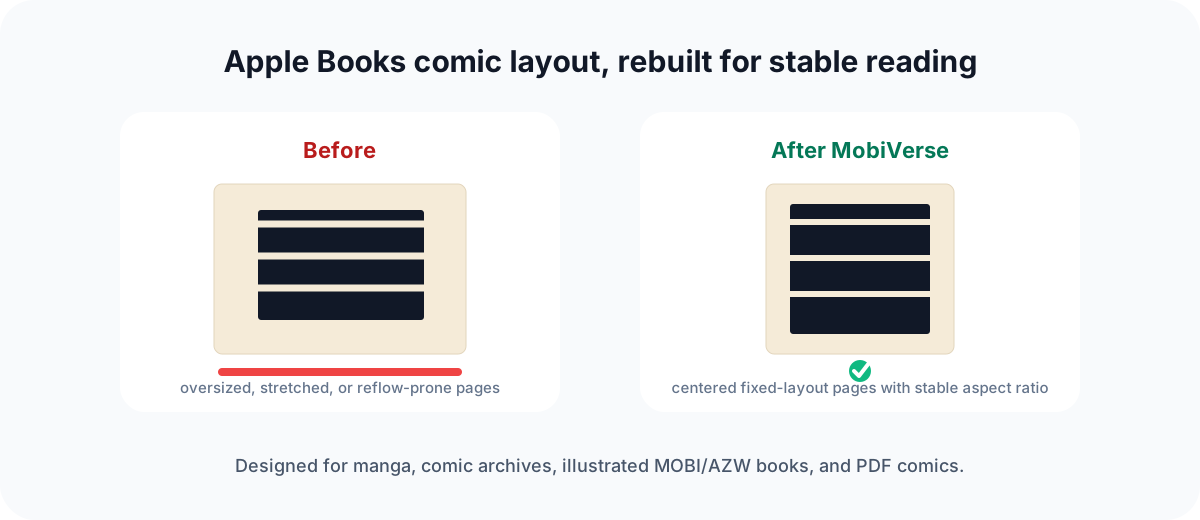
Comic pages are complete compositions. Fixed-layout EPUB preserves each page as a stable viewport instead of letting a reader reflow or stretch the artwork.
中文摘要
MobiVerse 可以把按顺序命名的 CBZ、CBR 或 ZIP 漫画图片重建为固定布局 EPUB 3,并写入适合漫画阅读的页面和方向信息。